Insights Timeline

Stay up to date with our latest announcements, tech articles, industry tips, and strategic updates.

October 2026

AI Agents vs. Chatbots: What’s the Real Difference?
AI & ML
October 8, 2026
5 min

AI Agents vs. Chatbots: What’s the Real Difference?

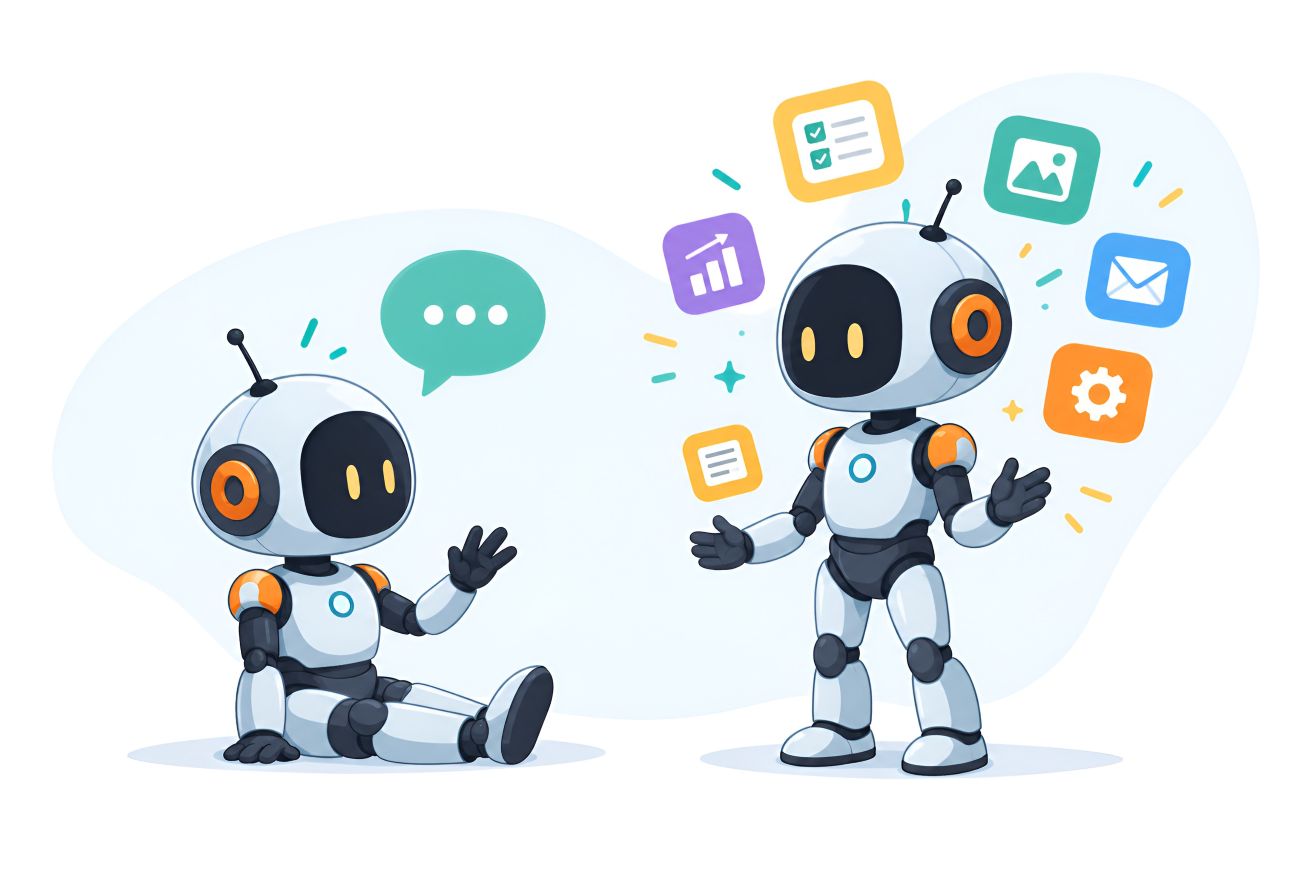
Ever typed a question into a website chat box and got an instant reply? That’s a chatbot. Now imagine the same chat box working out which service you need, checking a calendar and booking your meeting, with nobody on the team lifting a finger. That’s an AI agent. This guide explains the difference in plain English, shows how AI agents work, and gives you a simple way to start with business automation. THE SHORT ANSWER A chatbot understands what you ask and replies. An AI agent understands what you want, plans the steps, uses connected tools and gets the job done. The difference is what happens next. What’s the real difference between a chatbot and an AI agent?A common mix-up: people think an AI chatbot can’t understand normal language and an AI agent can. Not true. Modern chatbots handle everyday wording well. The real difference is what happens after the system understands you. A chatbot understands and responds. Ask “Do you build websites?” and it tells you. An AI agent works toward a goal. Say “Find the right service for my shop and book a meeting” and it works out the steps, uses connected tools and carries them out. Think of a chatbot as a friendly receptionist, and an AI agent as an assistant who also handles the paperwork. What is an AI agent and how does it work?An AI agent is software that works toward a goal. It figures out what needs to happen, uses the tools it’s connected to, checks the result and hands over to a person when needed. Most agents follow the same loop: 1. Understand the goal. 2. Plan the next steps. 3. Use tools like a calendar, CRM or email. 4. Check the result, and adjust if needed. 5. Finish the task or hand over to a person. What an agent can do depends on how it’s built, which systems it can reach and what permissions it has. It’s only as capable, and as safe, as its setup. Chatbot vs. AI agent: a side-by-side comparison Chatbot AI agent Main role Understands requests and responds Works toward a goal and can take actions Interaction Natural conversation Conversation plus actions Workflow Follows conversational flows Plans multiple steps Tools Limited integrations Connects to tools and business systems Example “Do you provide website development?” → Answers the question “Find the right service and book a meeting.” → Can complete the next steps What can AI agents do for a business?AI agents for business work best where tasks are repetitive, span several systems or take multiple steps. Depending on the setup, they can: • Answer questions and collect details for the next step. • Qualify leads before they reach your sales team. • Schedule meetings through a connected calendar. • Send follow-up messages after a customer interaction. • Summarise documents, tickets and conversations. • Move approved information between business systems. • Take care of repetitive admin work for your employees. What does AI automation look like in everyday work?Picture a company getting dozens of website inquiries a day. A chatbot answers each visitor’s questions. An AI agent goes further: it collects requirements, matches the right service, checks free meeting times and prepares everything for a team member. The goal isn’t to make AI do everything. It’s to remove manual steps so people can focus on work that needs judgment. The payoff is faster responses, less repetitive work and more consistent follow-up. Why are businesses paying attention to AI agents?For most businesses, it isn’t about adding yet another AI tool. It’s about improving the workflows that already eat up time, like answering the same questions, copying information between systems and chasing leads. The benefits businesses look for: • Faster responses to customers and leads. • More consistent follow-up, so nothing slips through. • More time for higher-value work that people do best. Will AI agents replace employees?Not necessarily. AI agents work best as workflow assistants for repetitive, structured tasks, while people stay essential for judgment, creativity, relationships and complex decisions. The better question isn’t “Can AI replace this person?” but “Which parts of this workflow should be automated, and where should a human stay in control?” How can AI agents change the way websites work?A website doesn’t have to be only a place to read. An AI-powered website can help visitors find the right service, answer their questions, collect requirements or start a meeting request. That doesn’t mean every business needs one. A fast, clear website still comes first, and AI should solve a real problem, not be added because it’s trending. How can a business start using AI agents?Don’t automate everything at once. Start with one clear workflow: 1. Find repetitive work your team does again and again. 2. Spot customer friction, like waiting, repeating information or dropping out. 3. Choose one workflow with a clear outcome. 4. Set boundaries: what the AI can do and when a person takes over. 5. Measure the result: response time, completion rate, lead quality or cost. Keep it safe, too: let the agent work from approved information, be clear about what customer data it can use, and always give customers an easy way to reach a real person. Where are AI agents heading?Chatbots brought conversational AI to the customer experience. AI agents take the next step toward goal-driven workflows. The technology is still evolving, and not every process should be automated. But the direction is clear: AI in business is moving beyond better answers toward useful actions and better workflows. “Chatbots gave businesses a way to talk with customers. AI agents are giving businesses a way to act.” Frequently asked questions about AI agentsWhat is an AI agent?An AI agent is software that works toward a goal. It understands a request, decides which steps are needed, uses connected tools and checks the result. What is the difference between an AI agent and a chatbot?A chatbot is built to converse and respond. An AI agent goes further by planning steps, using tools and carrying out actions, like booking a meeting. Can chatbots understand normal language?Yes. Modern AI chatbots understand everyday wording. The difference is what happens after the request is understood. What can AI agents automate?Depending on the setup: lead qualification, scheduling, follow-ups, information collection, summaries and other repetitive workflows. Will AI agents replace employees?Not necessarily. They work best as workflow assistants, while people handle judgment, relationships and complex decisions. How do I start with AI automation in my business?Start with one repetitive workflow that has a clear outcome, such as website inquiries. Define what the AI can do, when a person takes over, and how you will measure success. Does every website need an AI agent?No. A clear, fast website comes first. Add an agent only when it solves a specific customer or workflow problem. Ready to explore what AI could automate in your business? Start with the workflow, not the technology. Pick one repetitive task, then see if AI can make it faster and simpler. Talk to Shakta Technology about your website development, software solutions, AI and automation and digital solutions. Talk to our team →
Read Article

September 2026

The Ultimate Guide to Digital Transformation for Sustainable Business Growth
Business
September 18, 2026
5 min read

The Ultimate Guide to Digital Transformation for Sustainable Business Growth

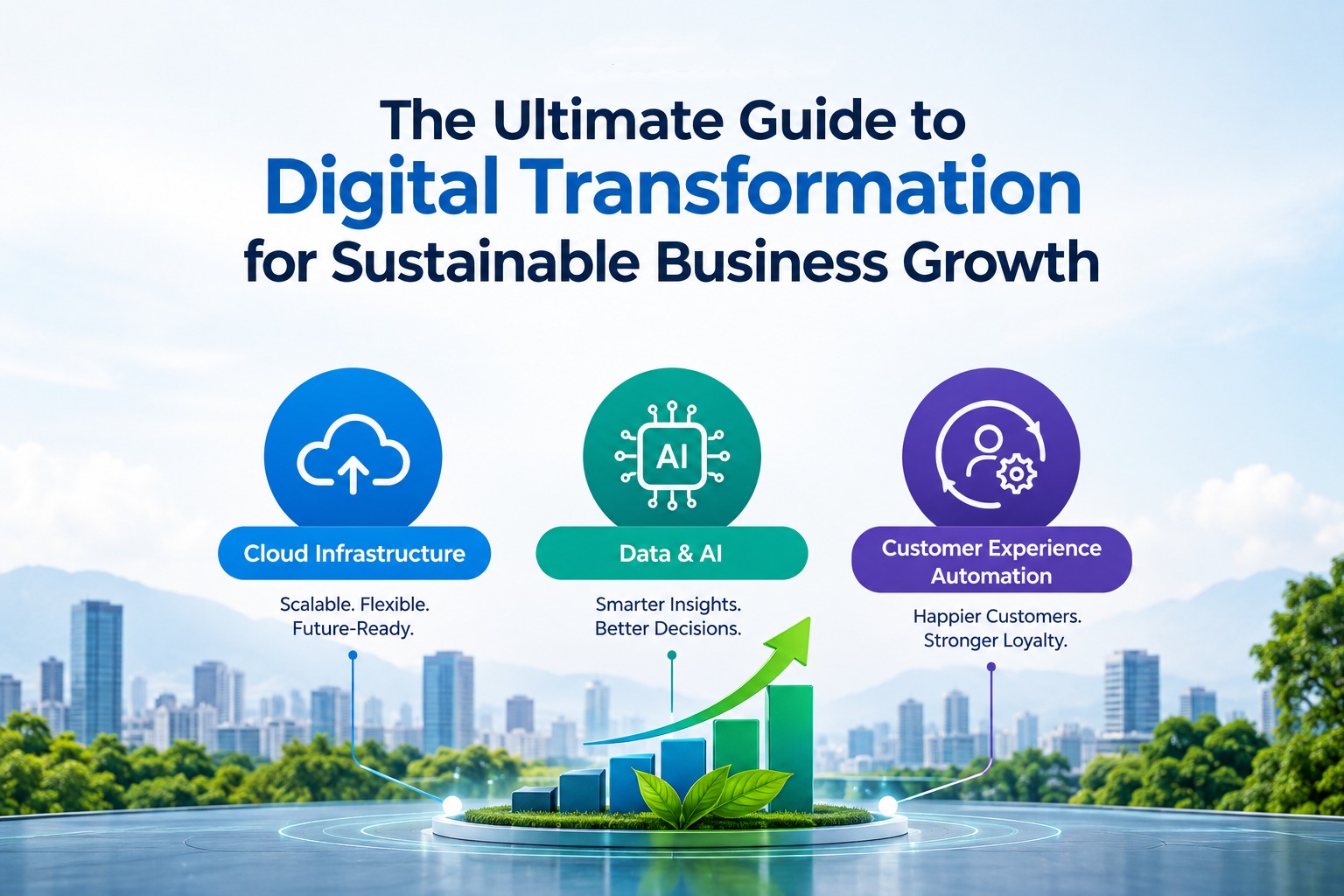
Digital transformation is becoming a vital requirement for long-term company growth in today's fast-paced digital economy, not just a luxury for tech giants. Integrating modern digital technologies into every facet of an organization fundamentally alters how companies operate, make strategic decisions, and deliver continuous value to their customers. Adopting a digital-first attitude enables your team to remain competitive, adaptable, and ready for upcoming market changes, regardless of whether you are in charge of a high-growth startup or upgrading a heritage firm. Table of Contents 1. What Is Digital Transformation and Why Does It Matter? 2. Core Pillars Driving Digital Business Growth 3. Key Strategies for Successful Implementation 4. Frequently Asked Questions (FAQ) 5. Conclusion 1. What Is Digital Transformation and Why Does It Matter?Moving Beyond IT Upgrades to Cultural EvolutionAt its core, digital transformation represents far more than just updating legacy software or purchasing modern hardware. It demands a foundational cultural shift that encourages organizations to challenge traditional workflows, experiment frequently, and become comfortable with iterative change. By replacing manual processes with automated cloud-based infrastructure, businesses eliminate operational bottlenecks, reduce overhead costs, and significantly accelerate their overall time-to-market. 2. Core Pillars Driving Digital Business GrowthScalable Cloud Infrastructure: Migrating critical data and operational workloads to cloud platforms enhances organizational agility, robust cybersecurity, and seamless collaboration across remote and hybrid teams while providing on-demand scaling. Data-Driven Decision Making & AI: Harnessing advanced predictive analytics and artificial intelligence allows leadership teams to uncover actionable insights, eliminate guesswork, and accurately forecast market trends to make proactive business decisions. Customer Experience Automation: Deploying integrated CRM platforms and omnichannel automated workflows streamlines customer touchpoints, ensures personalized client interactions, and boosts customer retention rates. Image Suggestion: A sleek modern infographic illustrating an interconnected digital ecosystem—featuring cloud servers, AI analytics dashboards, and mobile devices converging toward an upward growth trendline. Ready to accelerate your company’s growth journey? Connect with our expert digital strategy team today to schedule a customized consultation and build a digital transformation roadmap tailored specifically to your organizational goals! Frequently Asked Questions (FAQ)Q: How long does a full digital transformation initiative take?Digital transformation is best viewed as an ongoing cultural evolution rather than a one-time project with a fixed endpoint. While foundational technical milestones—such as migrating core databases to the cloud or deploying a new CRM platform—typically take between 3 to 12 months, true transformation requires continuous iteration and adaptation to emerging technologies over the lifetime of the business. Q: Can small and medium-sized businesses (SMBs) benefit from digital transformation?Absolutely. In fact, small and medium-sized businesses often execute digital strategies much faster than large enterprises because they possess fewer legacy constraints and bureaucratic layers. By starting with high-impact, targeted modernizations—such as adopting cloud accounting software or automated marketing workflows—SMBs can achieve immediate productivity gains and compete effectively with larger market incumbents. ConclusionIn an increasingly competitive global marketplace, digital transformation stands out as a proven pathway toward business growth, resilience, and operational efficiency. By systematically aligning modern technological solutions with clear strategic business objectives, fostering a company culture that welcomes continuous innovation, and placing customer needs at the center of your digital strategy, your organization will be exceptionally well-equipped to thrive in the digital era.

Read Article

July 2026

Meta to Install PoP Server in Kathmandu: Faster Facebook, Instagram, and WhatsApp for Nepal
Announcements
July 29, 2026
5 min read

Meta to Install PoP Server in Kathmandu: Faster Facebook, Instagram, and WhatsApp for Nepal

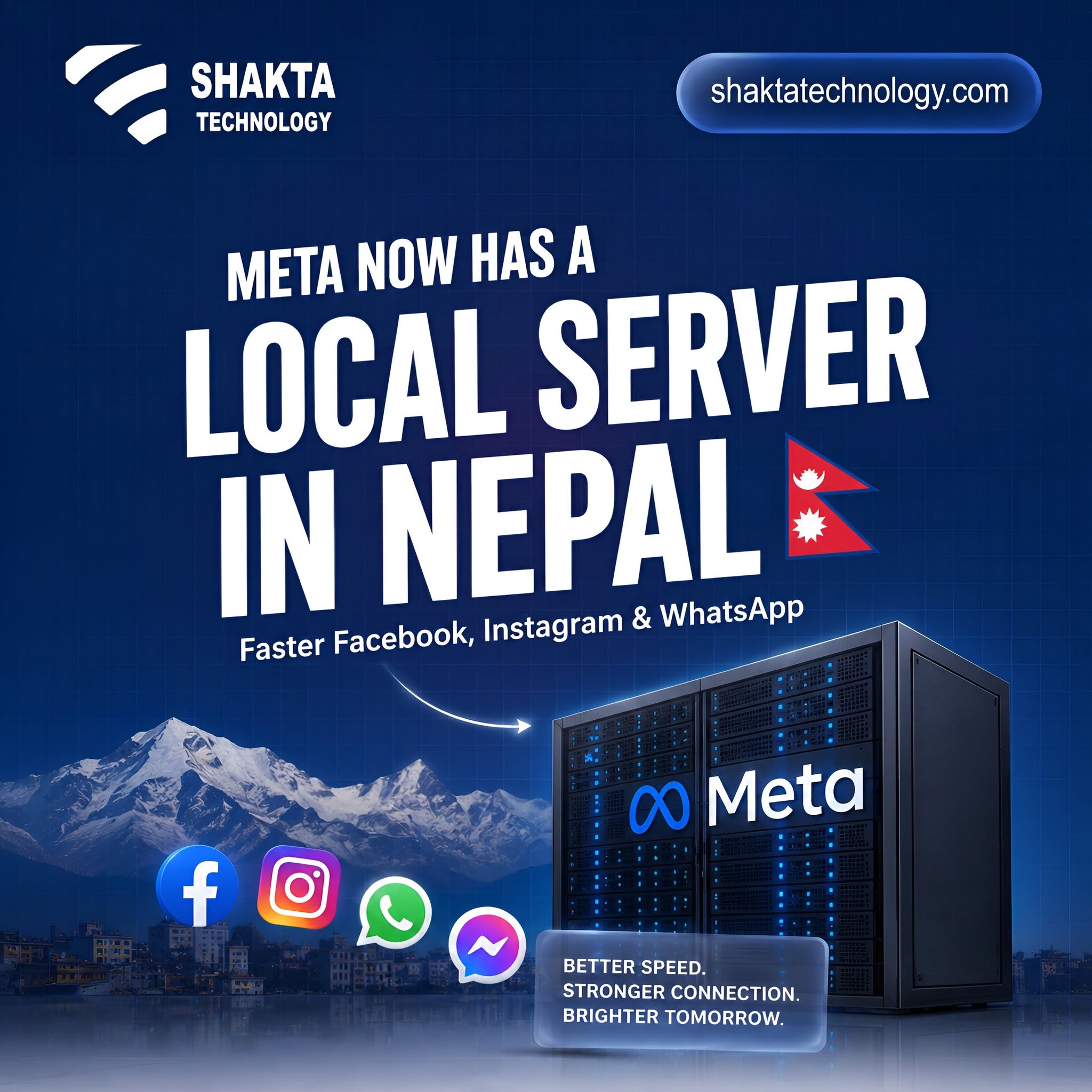
Kathmandu: In a major boost to Nepal’s digital infrastructure, Meta (the parent company of Facebook, Instagram, WhatsApp, and Messenger) has announced plans to install a Point of Presence (PoP) server in Kathmandu. Expected to be fully operational by the end of 2026, this move will drastically improve social media speeds and optimize internet bandwidth across the country. What is a Meta PoP Server? A Point of Presence (PoP) server acts as a local digital outpost. Currently, when a user in Nepal watches a Facebook Reel or opens an Instagram video, the data travels from international servers located abroad. With a local PoP server stationed right in Kathmandu, Meta will cache (store) popular content locally. Key Highlights of the Project Location: The server will be hosted at the state-of-the-art Data World data center in Matatirth, Kathmandu. Timeline: The infrastructure setup is scheduled for completion by late 2026. Local Partnership: Meta is collaborating with local infrastructure providers to ensure high availability and seamless integration. How Will This Benefit Nepali Internet Users? 1. Blazing Fast Loading Speeds Users will experience near-zero latency. Facebook videos, Instagram Reels, and WhatsApp media files will load almost instantly without frustrating buffering screens. 2. Cheaper Internet for Service Providers Meta traffic consumes a massive chunk of Nepal's international internet bandwidth. By serving this data locally, Internet Service Providers (ISPs) will save huge amounts of international bandwidth costs. This could potentially lead to more affordable internet packages for consumers. 3. Better Network Reliability Localizing heavy social media traffic reduces network congestion. Even during peak evening hours, your overall internet connection will remain stable and smooth.

Read Article

May 2026

What's new in Tailwind CSS v4.2 and v4.3
General
May 13, 2026
5 min read

What's new in Tailwind CSS v4.2 and v4.3

Two releases quietly shipped for Tailwind CSS recently, and together they add a solid set of new utilities worth knowing about. What came in v4.2Four new color palettesTailwind now ships with mauve, olive, mist, and taupe out of the box. These fill a gap that’s been annoying for a while — neutral-adjacent colors that aren’t quite gray but aren’t quite anything else either. Webpack plugin with real build speed improvementsThere’s now a dedicated webpack plugin that reportedly delivers 2x+ build speed improvements over the previous approach. If you’re on a webpack-based setup, this is probably the most immediately useful thing in v4.2. Logical property utilitiesMore logical property utilities landed for block and inline spacing and sizing. These matter if you’re building for right-to-left languages or just want layout that adapts to writing direction without extra CSS. Font feature controlA new font-features-* utility gives you access to OpenType font features — things like ligatures, small caps, and tabular numbers — directly from your HTML. What came in v4.3First-party scrollbar stylingThis one’s been a long time coming. Tailwind now has built-in utilities for scrollbar-width, scrollbar-color, and scrollbar-gutter. Previously you either reached for a plugin or wrote custom CSS. The new utilities map directly to the CSS scrollbar properties, so you get consistent cross-browser scrollbar control without the workarounds. @container-size for container queriesA new @container-size utility lets you read container dimensions inside container queries, specifically targeting block-size. This makes it easier to write styles that respond to a container’s height rather than just its width. zoom-* and tab-* utilitiesTwo smaller additions: zoom-* maps to the CSS zoom property, and tab-* controls tab-size for controlling how tab characters render in preformatted text. Stacked and compound variants in @variantThe @variant directive now accepts stacked and compound variants. This means you can express more complex variant combinations directly in CSS rather than only in your HTML class strings. Default values in functional utilitiesFunctional utility definitions now support --default(…) syntax, which lets you specify fallback values inside custom utility definitions. Useful if you’re building design system utilities on top of Tailwind. Upgrade toolingThe v4.3 release also includes fixes to the upgrade tool’s canonicalizer, which should make migrating existing projects a bit less painful.

Read Article

November 2025

React Native 0.82: A Major Leap in Native App Development with New Architectural Enhancements
Business
November 20, 2025
7 min

React Native 0.82: A Major Leap in Native App Development with New Architectural Enhancements

React Native 0.82 marks a significant evolution in the framework’s architecture, setting a promising direction for native application development. The defining change is the complete removal of the legacy bridge system, replaced by the JavaScript Interface (JSI). This transformation allows for direct communication between JavaScript and native code, effectively removing the overhead of JSON serialization. This release introduces several key enhancements. One of the standout features is the integration of the Fabric renderer, which ensures smoother UI updates. The implementation of Turbo Modules makes native functionalities more efficient by enabling lazy-loading. Furthermore, the inclusion of the Hermes V1 engine boosts performance with bundle loads up to 9% faster than previous versions. A major aspect of this update is its support for the DOM node API, aligning React Native more closely with web standards and facilitating easier cross-platform development. These enhancements collectively contribute to improved startup times, reduced memory usage, and more consistent performance, making React Native 0.82 a pivotal update for developers. In addition to these changes in React Native, the tech landscape continues to evolve. For instance, Kong has introduced KAi, an AI assistant that enhances the capabilities of its Konnect platform by automating various API tasks such as governance, debugging, and compliance scanning. Meanwhile, Harper has open-sourced its composable full-stack web application platform under the Apache 2.0 license, promising fast server response times by integrating the database, cache, and runtime into a single edge-native process. Overall, React Native 0.82 represents a major shift towards a more efficient and robust framework for developing native mobile applications, with potential implications for improving app performance and developer productivity.

Read Article